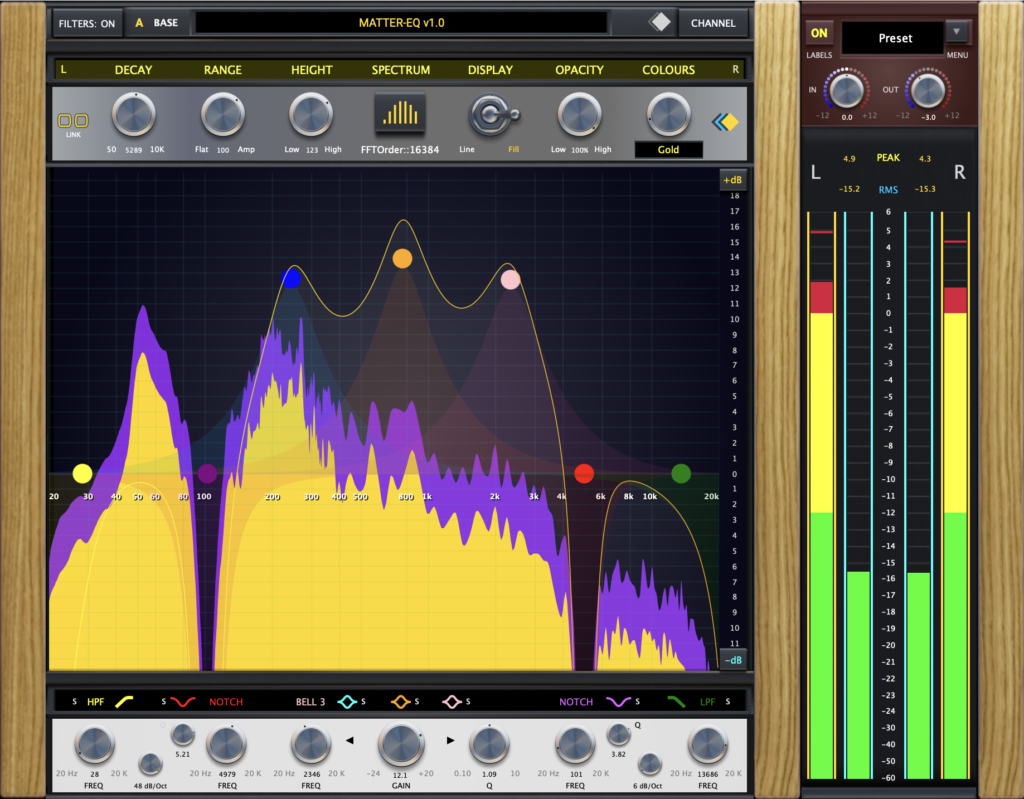
MATTER-EQ is a Stereo, 7 Band EQ plugin, with a built in spectrum analyzer, peak and RMS level metering, input and output gain controls, preset panel and switchable label system!
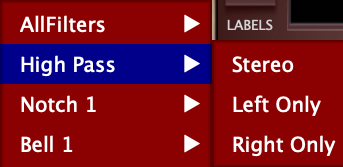
Each band provides a separate filter type, and each can be configured in either stereo, left or right only modes.
This is a highly interactive audio plugin offering versatility in the way it controls, and features it offers, lending precision to the task at hand!
Fully Adjustable EQ Parameters
EQ Controls
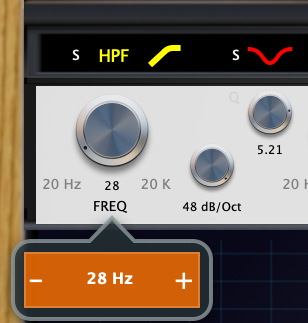
Each EQ Filter is equipped with dedicated controls for fine tuning stereo adjustments, supported by interactive value labels.
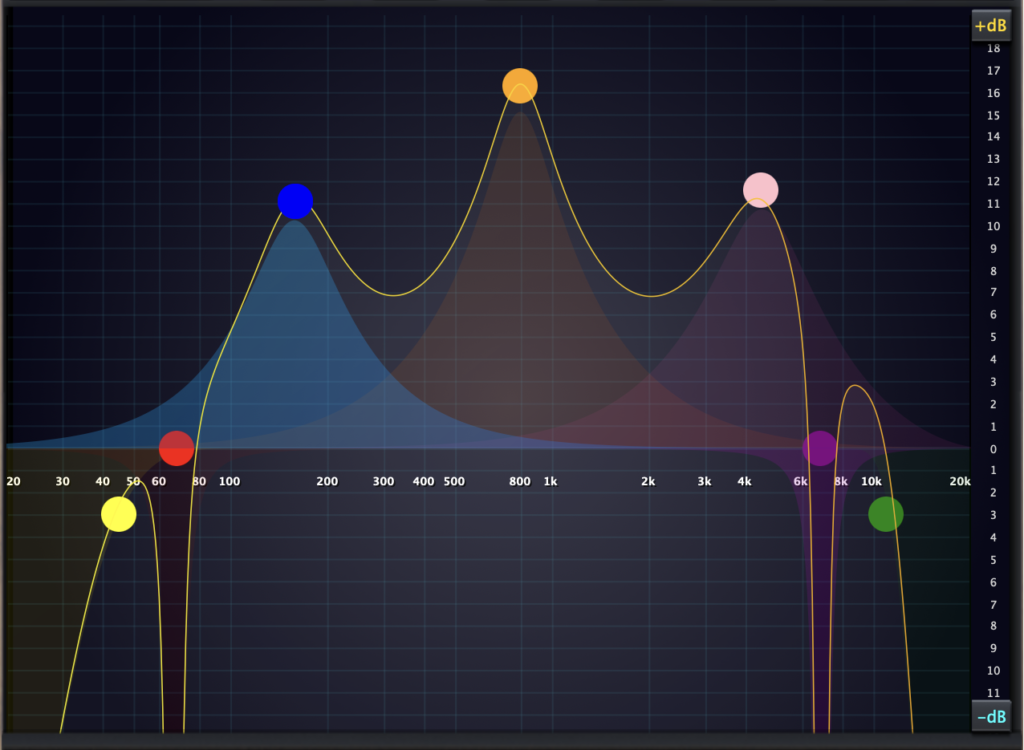
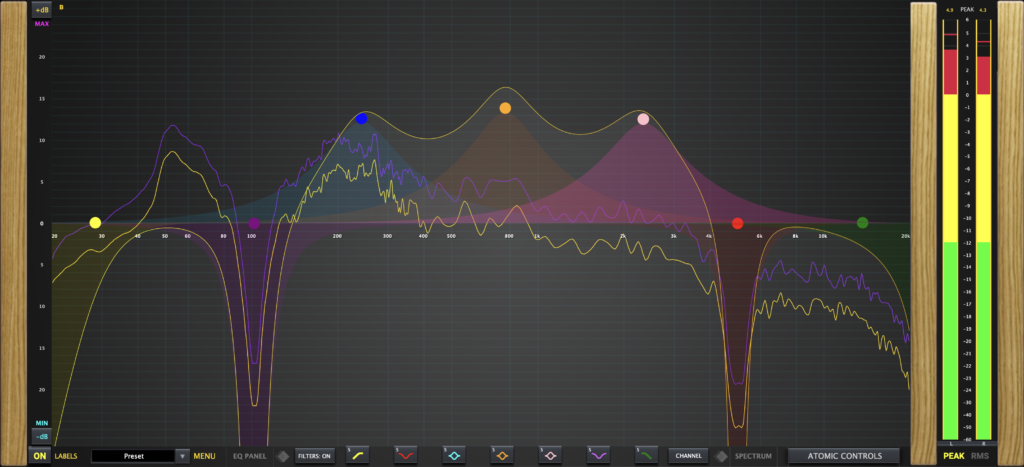
Real-Time Interactive EQ Grid
Each of this EQs 7 Bands are equipped with dedicated filter types, arranged logically!
EQ Filter Types Include:
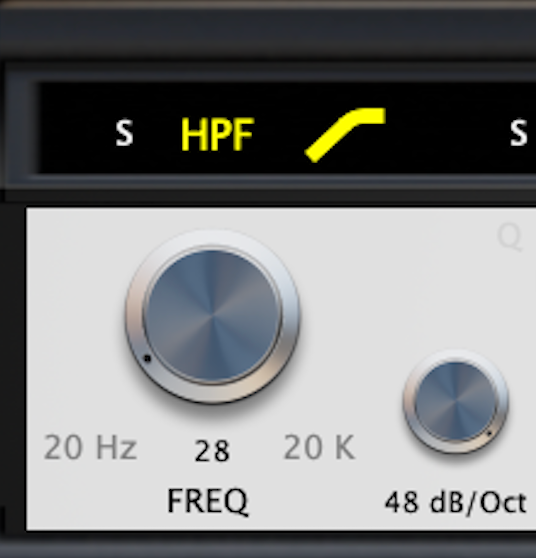
HighPass: Freq, 6/48dB Slope
Notch 1: Freq and Q
Bell 1: Freq, Gain and Q
Bell 2: Freq, Gain and Q
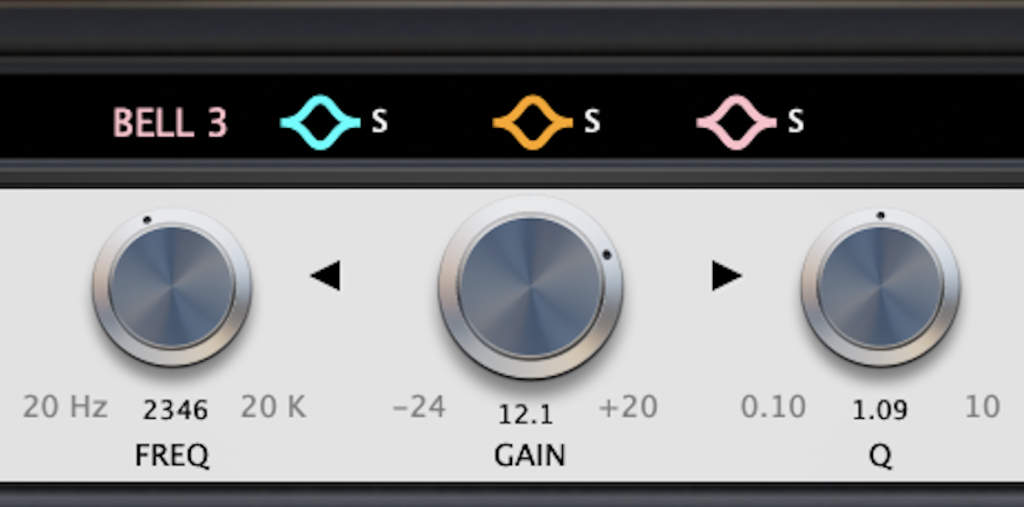
Bell3: Freq, Gain and Q
Notch 2: Freq and Q
LowPass: Freq, 6/48dB Slope
Each filter can be turned on and off, which is immediately reflected on the eq response curve / reduces processing!
Each EQ filter when activated, is represented on the EQ grid and given a unique colour for visual clarity.
Each filter is equipped with a control dot, which provides full interaction based on the filters parameters!
Adjust frequency, Gain, Q and slope settings via dot and EQ grid interactions.
Each filters visual representation is highlighted and takes a focussed position once selected.
Stereo Processing Modes
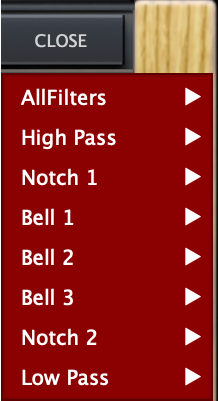
All EQ filters can be assigned a specific channel to process. By switching the selected filters channel processing, from Stereo, Left or right only modes, this will set up the filter to only effect the audio signal, based on the channel that has been assigned.
Filter Left Channel
Filter Right Channel
Filter In Stereo
HighPass Filter set to Stereo mode, indicated by (S).
The channel processing mode for each filter can be assigned via the channel menu.
Spectrum Anlyzer Controls
Left Controls
Adjust the stereo spectrums speed, refine its shape, height, opacity and front position, for a perfect viewing angle.
Linked Controls
Switch the spectrums display from line to fill, alternate the colour scheme and link controls for dual adjustments.
Right Controls
Power on the spectrum and use the FFTOrder selection tool to increase spectral detail from 16K to 32K.
Line to Fill Display
Dual Line Mode!
Dual Fill Mode!
Line and Fill Mode!
The Spectrum can be visualized in line mode, in full color fill mode,
or either channel can be line or fill, to best suit your viewing needs!
Left to Right Color Display
Dual Spectrum Display!
Full Frequency Detail!
Choose Your Color!
The Spectrum is represented by two independent visual displays, for true left and right separation of spectrum data.
Each spectrum visual is color adjustable, to easily visualize the nuanced audio detail from the left and right channels.
Choose from a range of colours for each channels display, in either left, right or linked mode!
FFT: Fast Fourier Transform
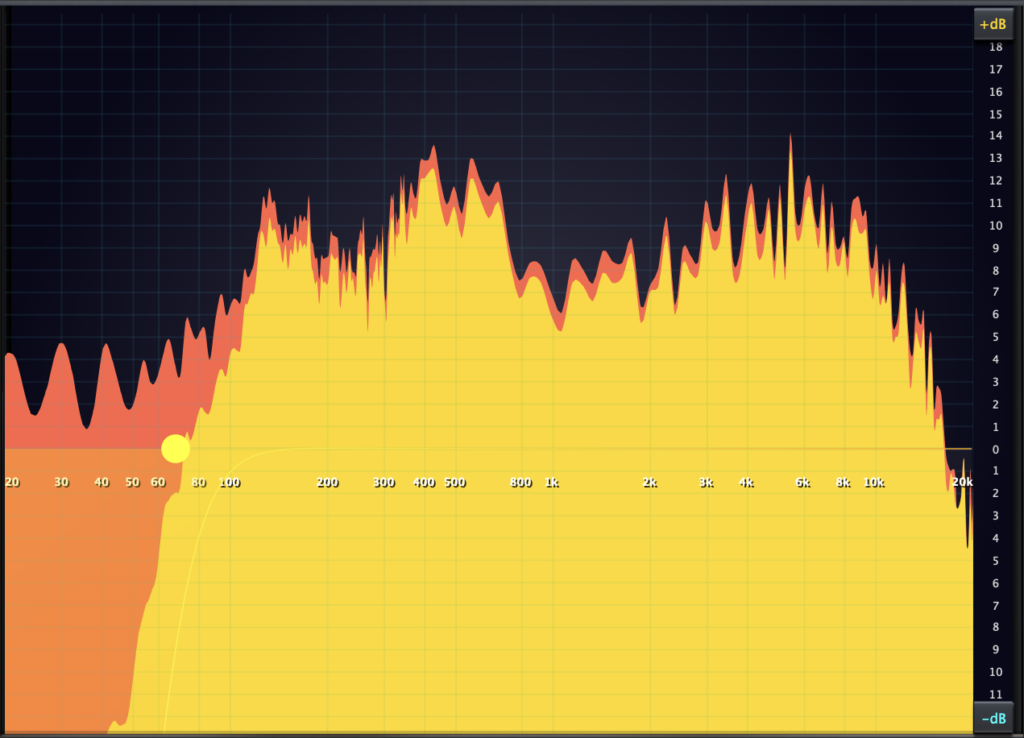
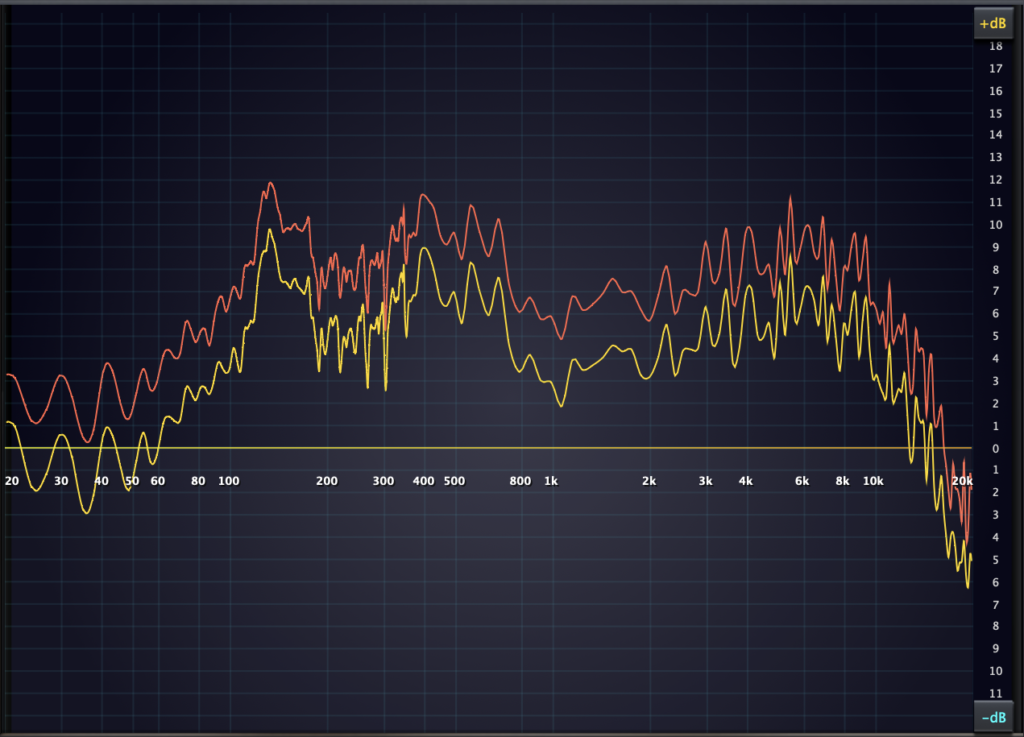
The spectrum display engine is based on 16K and can be adjusted to 32k, for very high frequency resolution providing detailed analysis!
16K High Resolution
32K High Resolution
Real-Time Dynamic Spectrum
Independently controlled adjustments of the EQ filters, effect the audio signal across the frequency range which are translated in real-time by the spectrums display engine, dynamically visualizing the resulting audio data with accuracy.
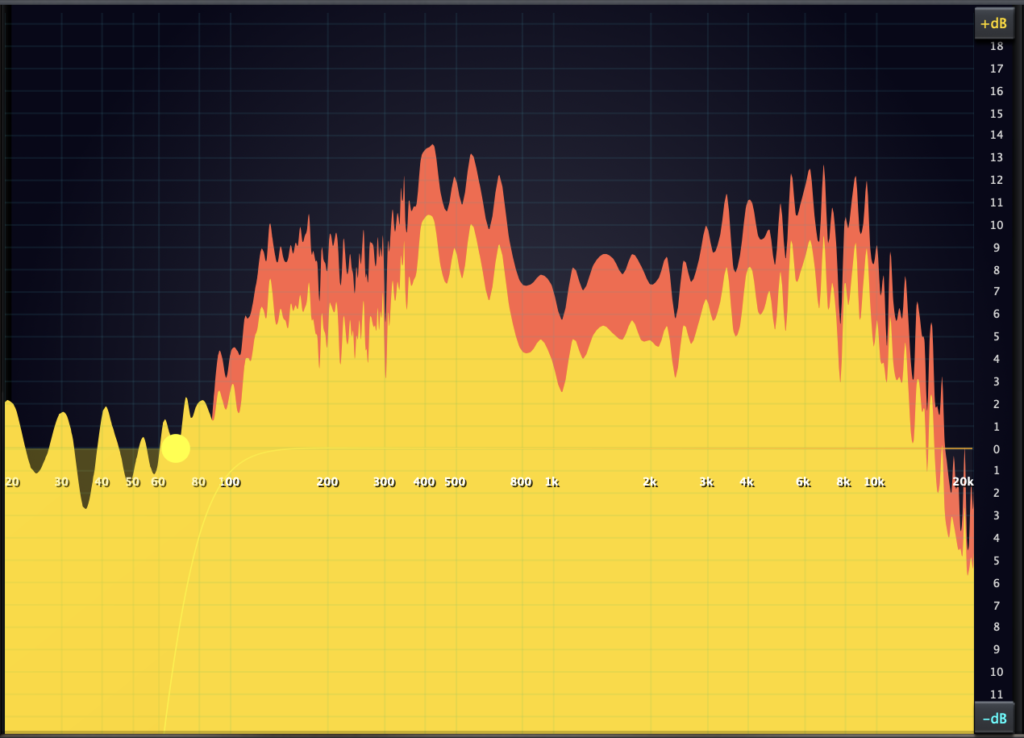
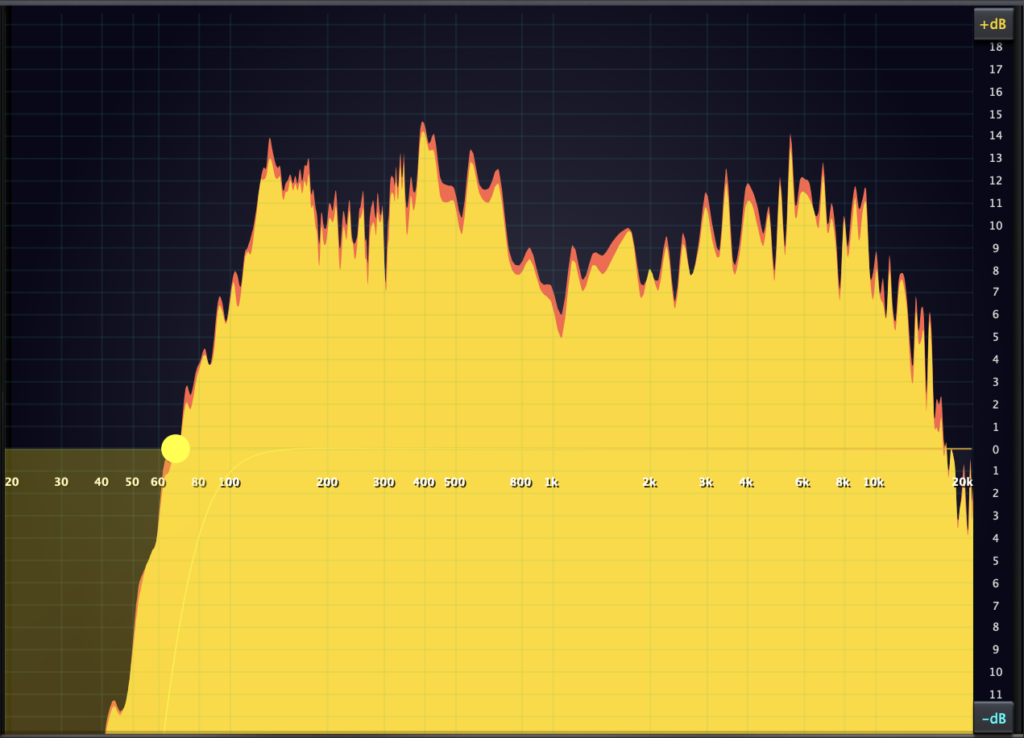
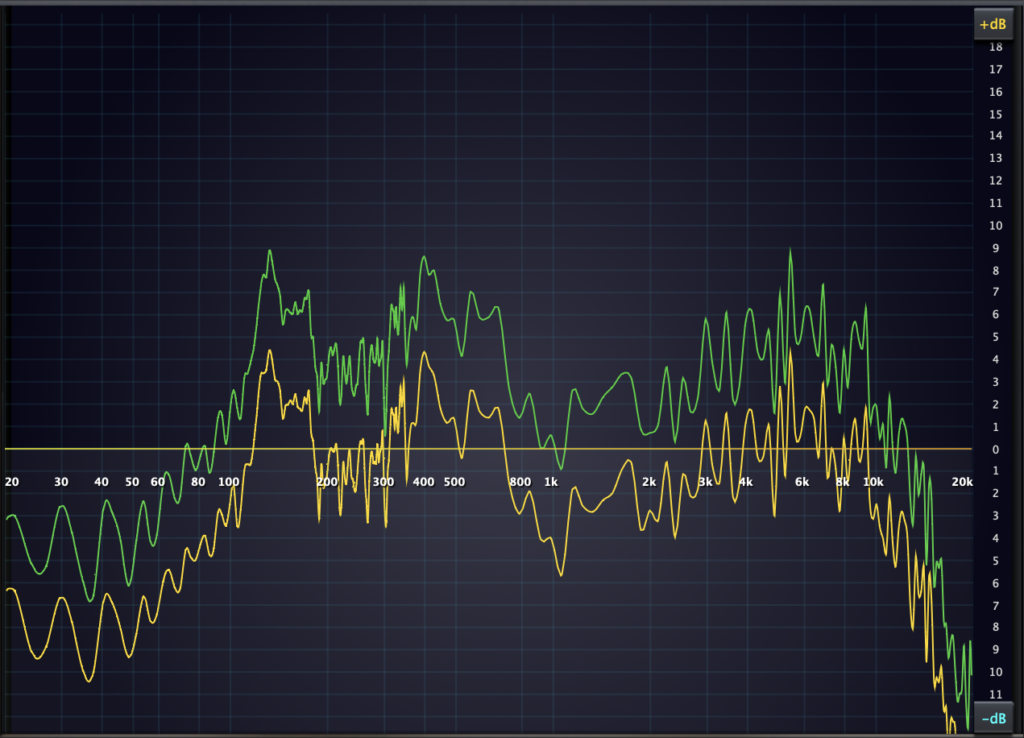
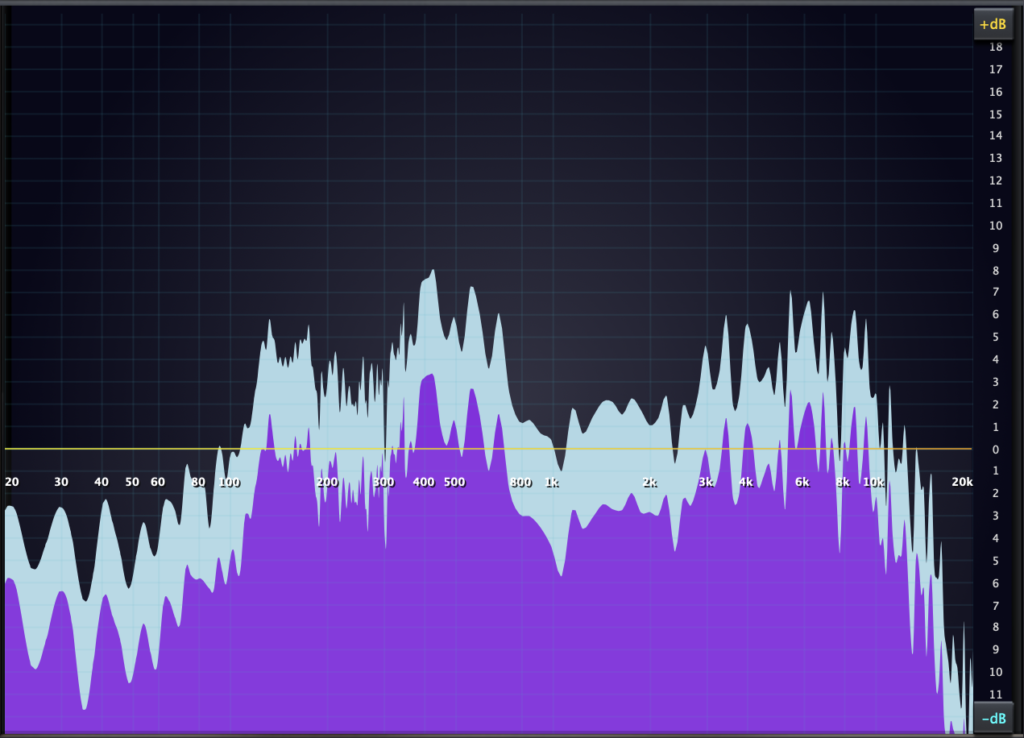
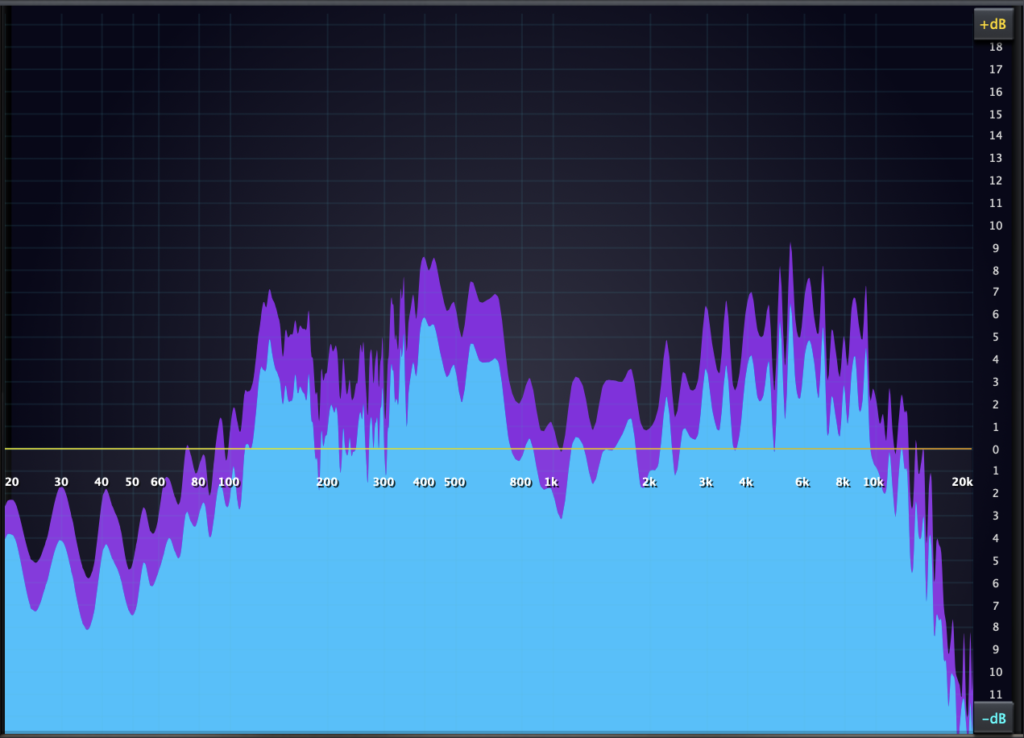
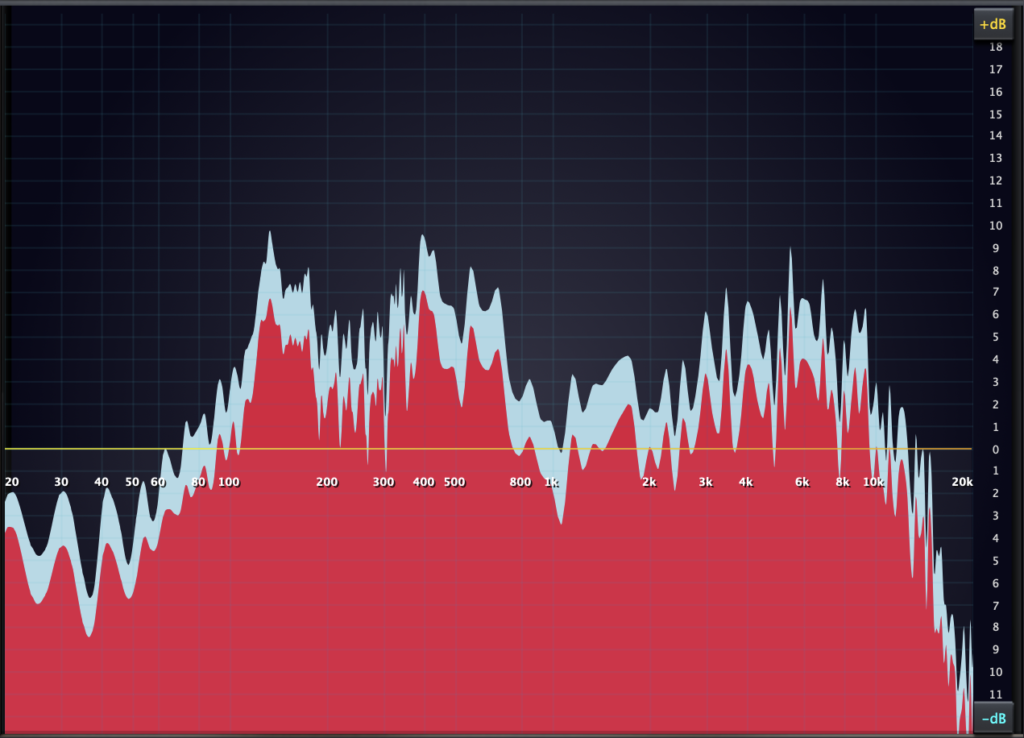
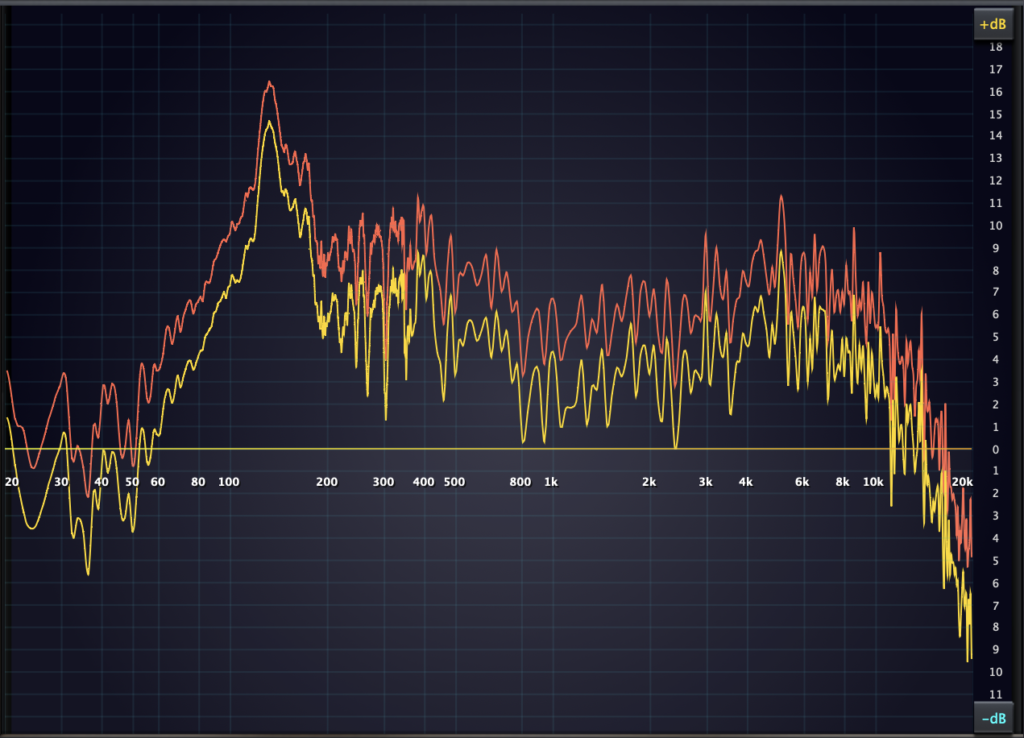
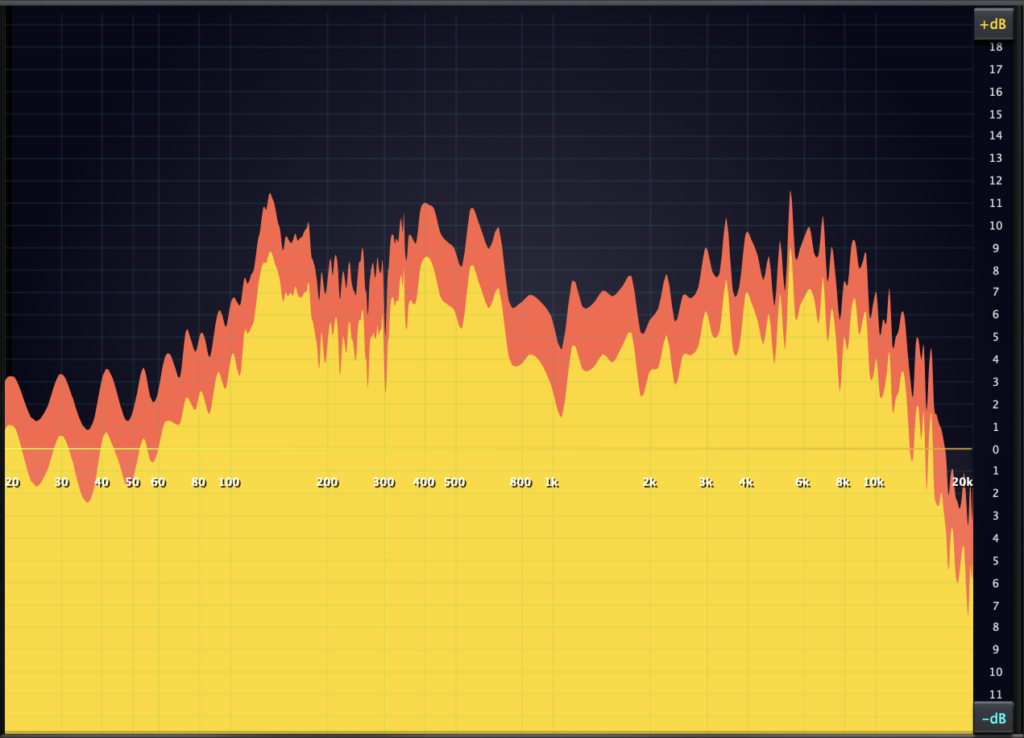
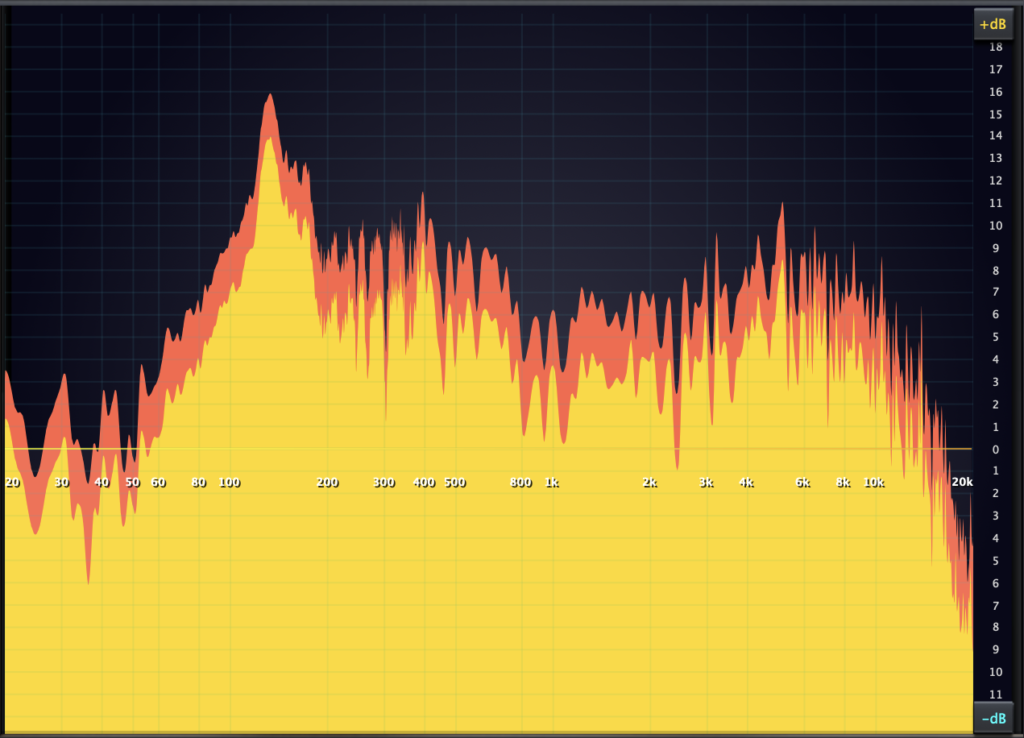
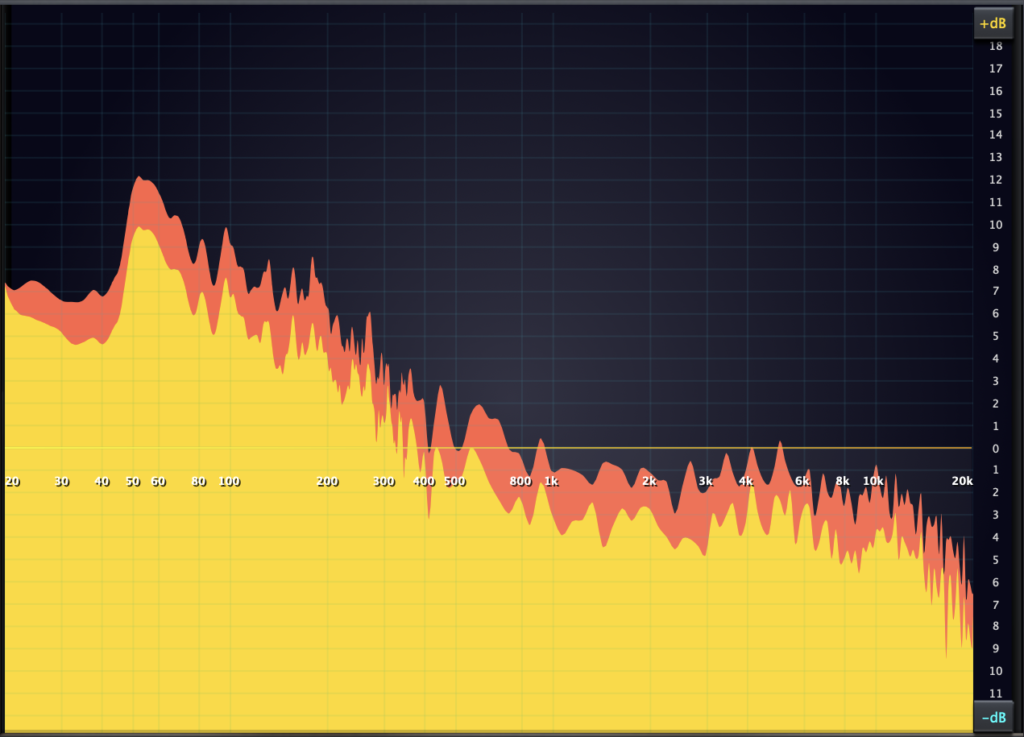
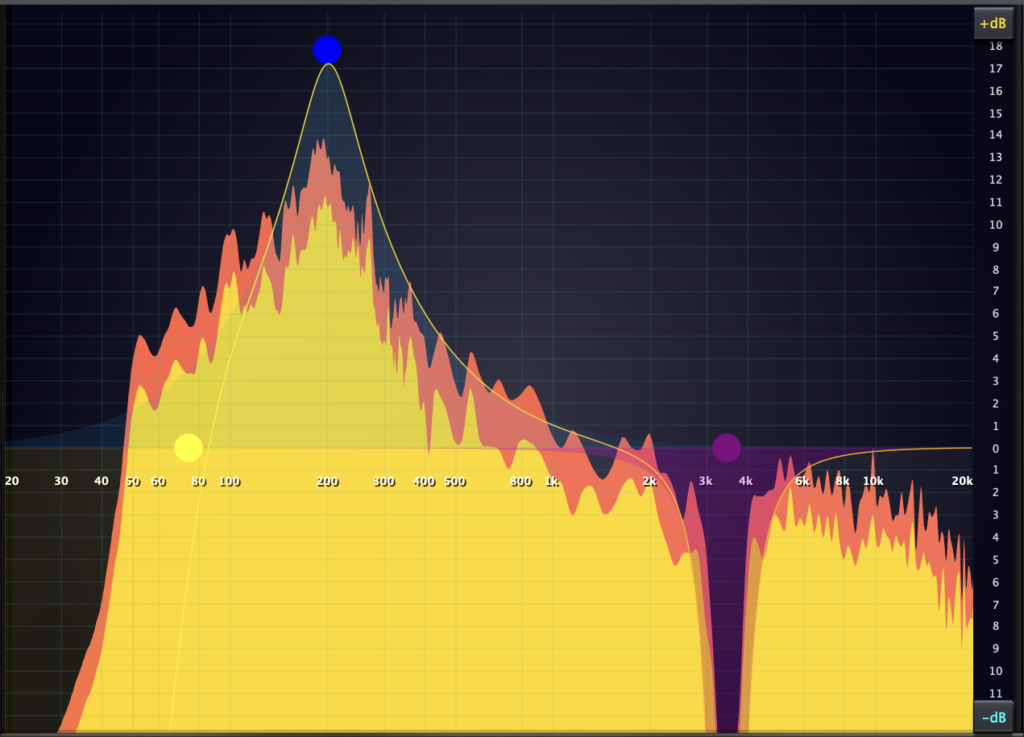
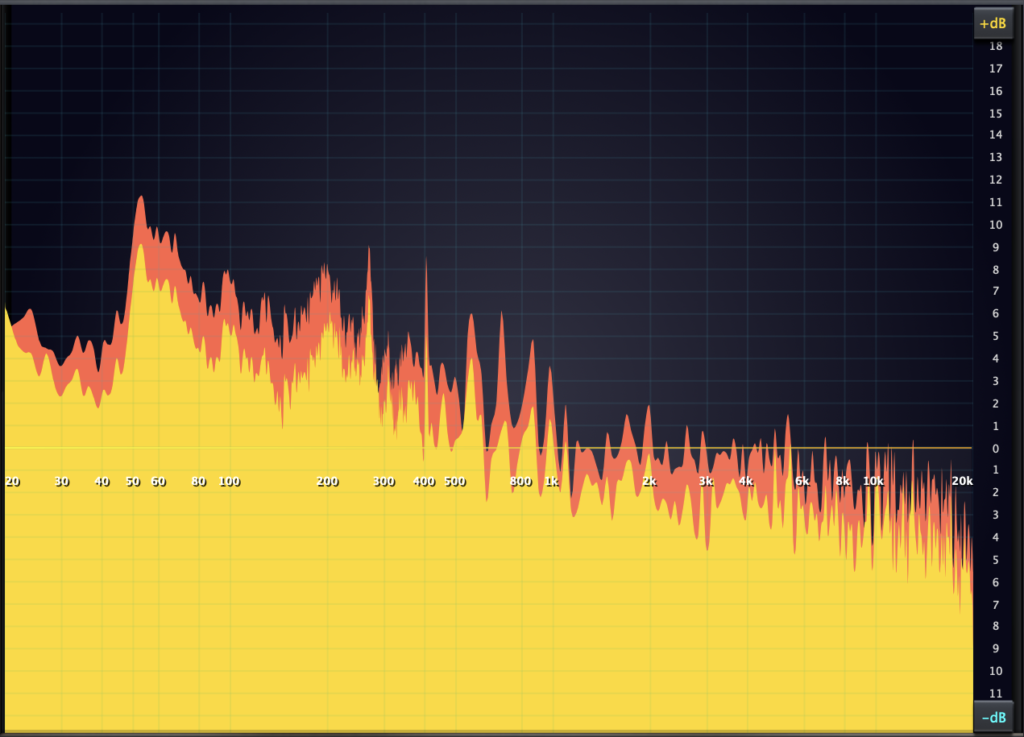
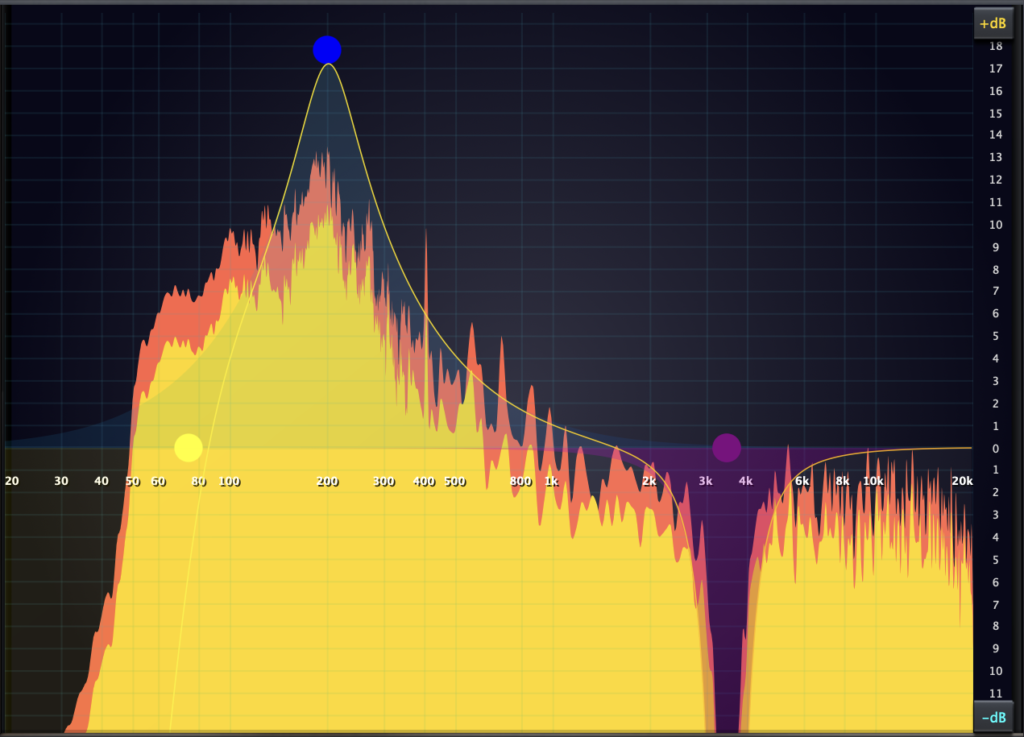
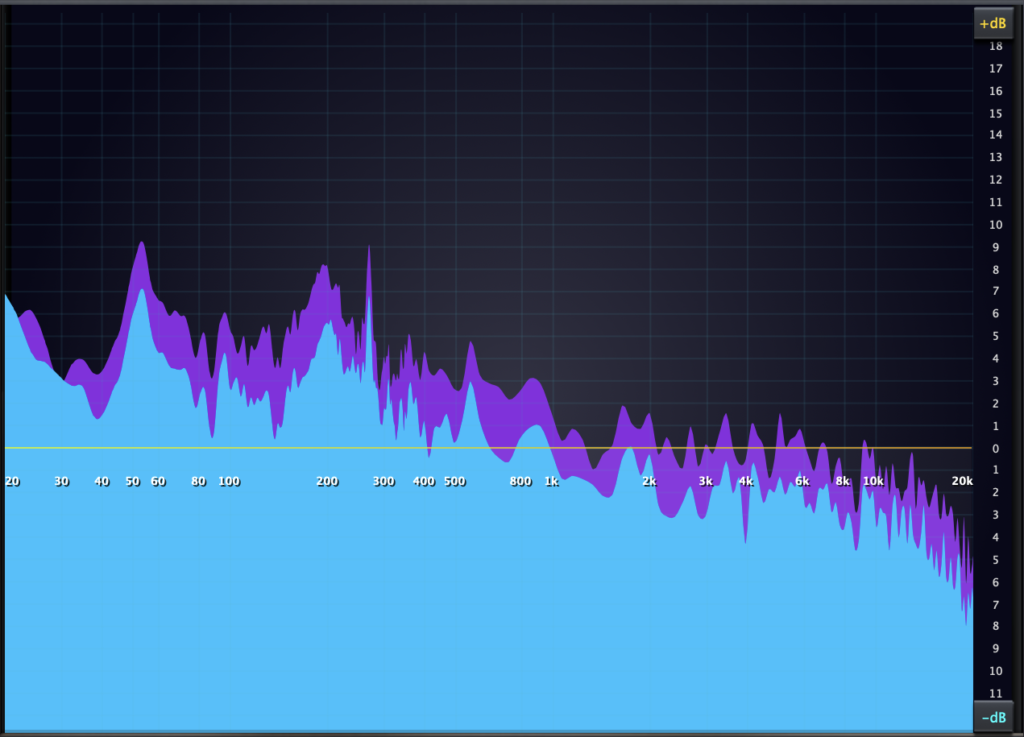
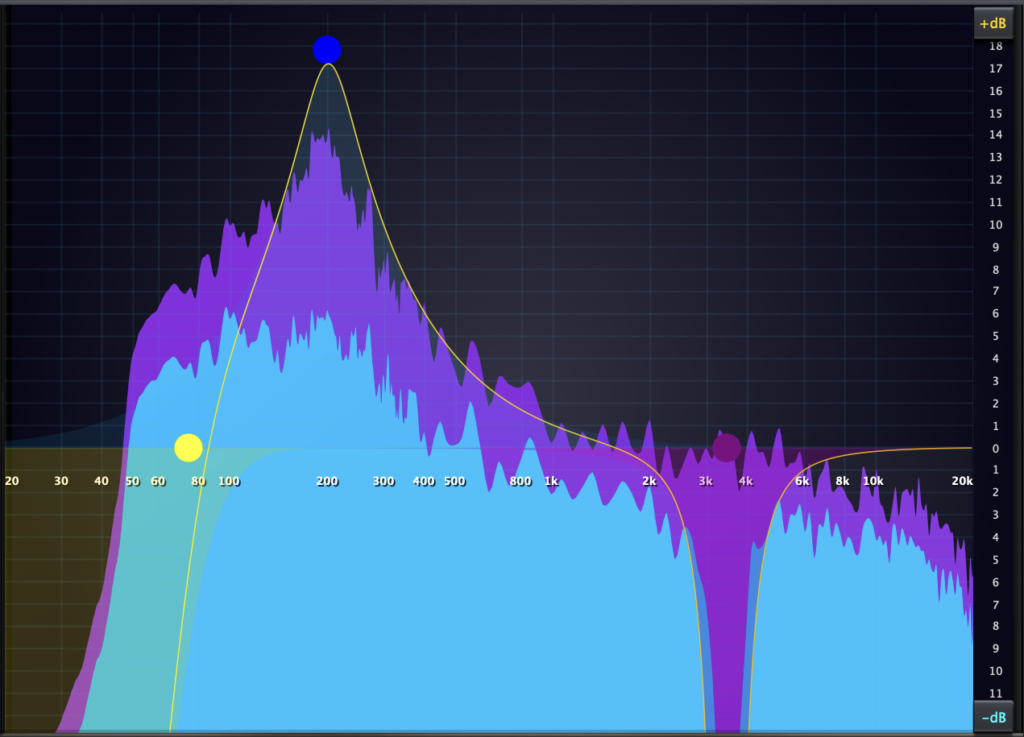
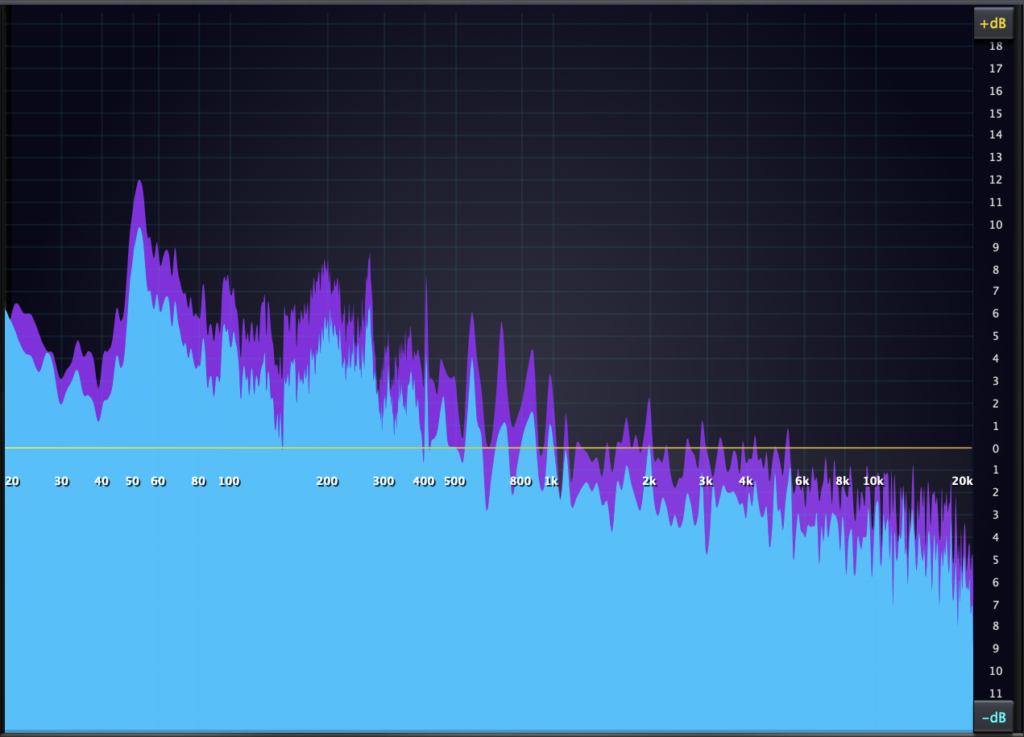
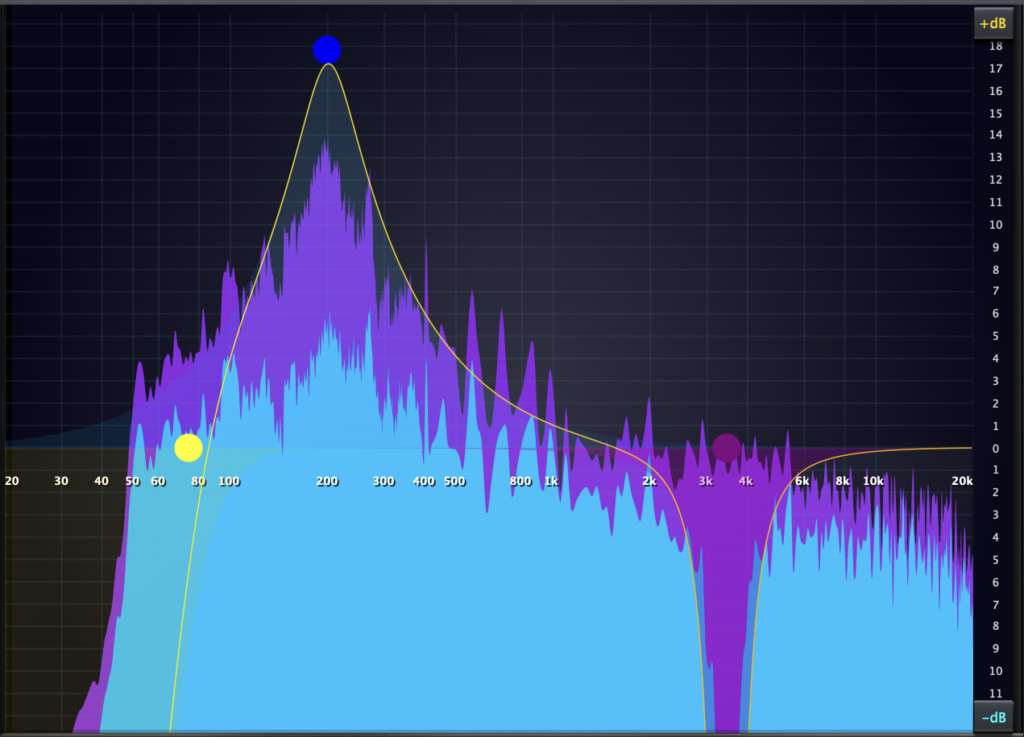
These images show the following filters boosting and cutting a stereoaudiosignal, and the effects being represented in high resolution, a result of the HighOrderFFT options. The filters used are; HighPass + OctSlope, Bell + Gain + Q, Notch + Q.
Before EQ Adjustments: FFT 16K resolution.
After EQ Adjustments: FFT 16K resolution, in stereo only.
Before EQ Adjustments: FFT 32K resolution.
After EQ Adjustments: FFT 32K resolution in stereo only.
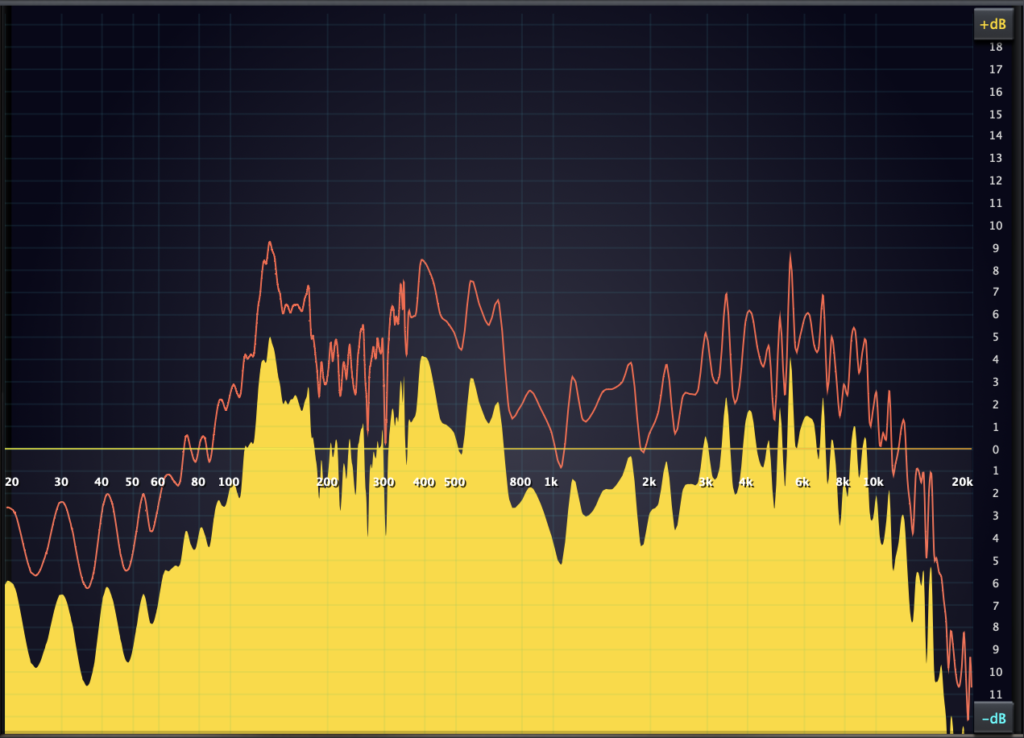
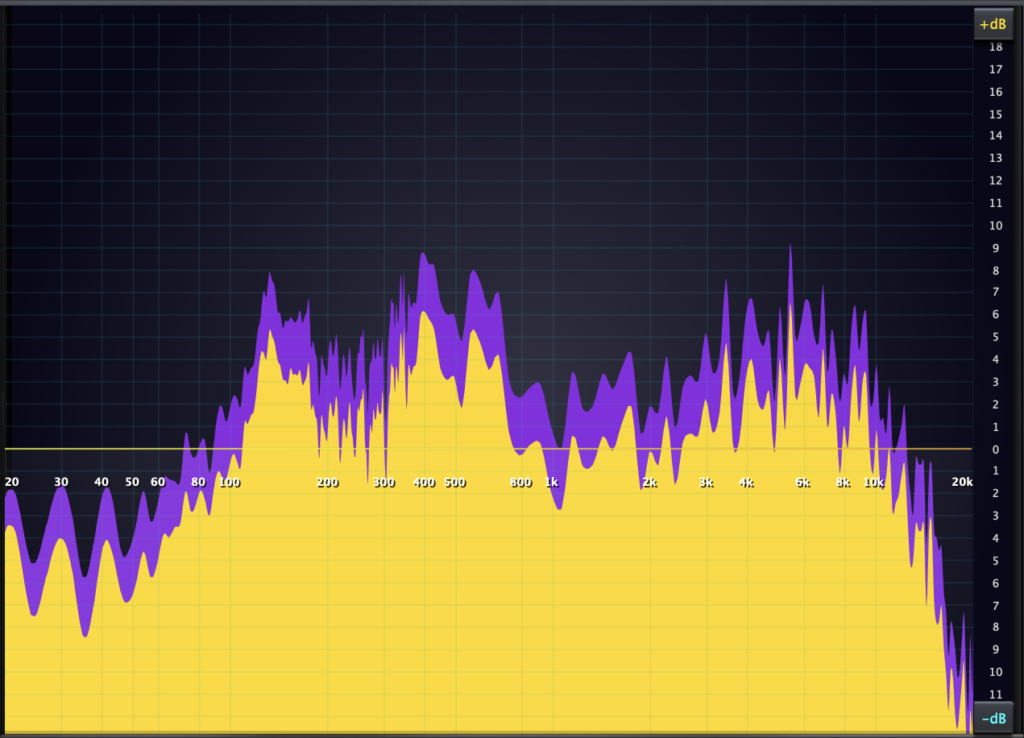
These images show the following filters boosting and cutting an audio signal, with channelprocessingenabled, with the effects represented in high resolution, a result of the HighOrderFFT options. The filters and channel processing are; HighPass + OctSlope in Stereo, Bell + Gain + Q set to Right Only Mode, Notch + Q set to Left only Mode.
Before EQ Adjustments: FFT 16K resolution.
After EQ Adjustments: FFT 16K resolution with channel processing.
Before EQ Adjustments: FFT 32K resolution.
After EQ Adjustments: FFT 32K resolution with channel processing.
PEAK to RMS Level Metering, with Input and Output Gain Control!
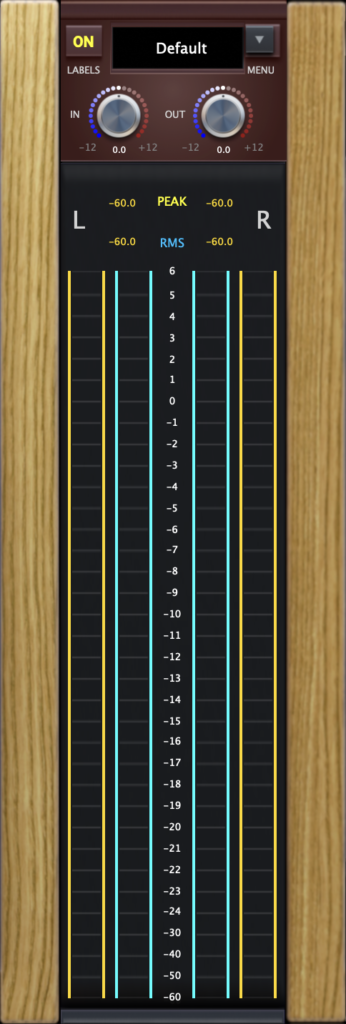
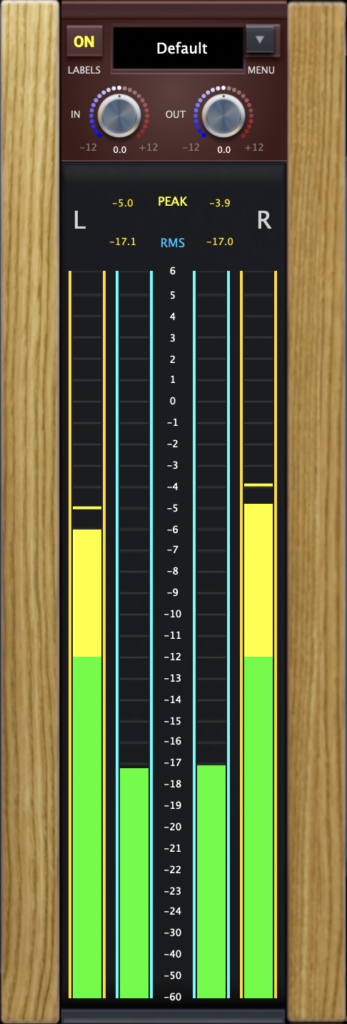
The Metering section of this plugin provides a visual dB range from -60dB to +6dB for both the left and right channels, and the +dB range is extended higher, via the Peak and RMS dB Readouts!
The input and output signal, is supported via a numericaldB scale presented centre of the meters.
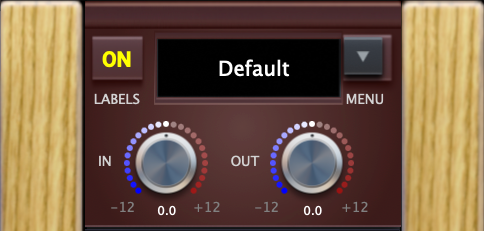
The Input and Output controls provide a range of -12dB to +12dBfor adjusting the signals input and output level, where signal compensation is needed.
The left and right channels represent the signal via dynamic meters that change color to indicate signal strength.
Dynamic Level Meter Color Ranges;
Green: = -60dB to -12dB
Yellow: = -12dB to 0dB
Red: = 0dB to +6dB
The level meters show the signal level in two distinct ways; Peak and RMS.
Both Peak and RMS meters display the signal level via separate dB Readouts and each hold the highest peak per independent channel, update when a new peak is made, and resets when audio stops/starts or the Peak and RMS Readouts are reset directly! The Peak meters are also equipped with a Peak Hold Bar that indicates the highest signal level.
Dynamic Peak and RMS level metering, with all described features provides an environment for accurate signal monitoring.
Preset Panel System, with Label OnOff Control!
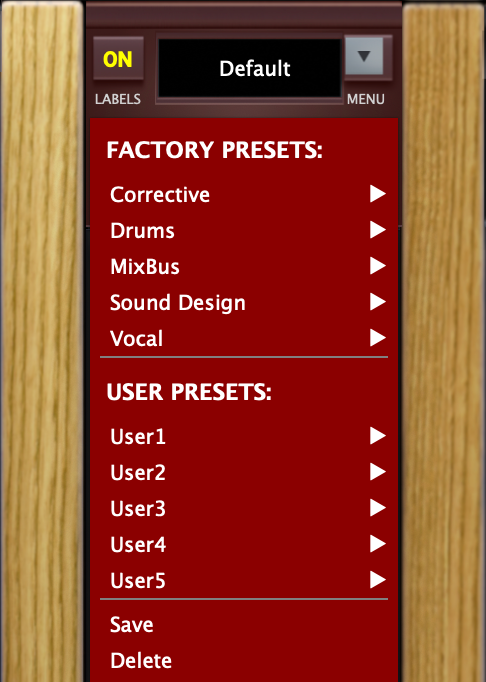
The built-in preset panel is equipped with Factory Presets that provide example EQ templates.
User Preset subdirectories are built-in, providing capability to save, load and manage your own custom EQ settings!
Click the preset menu button, to find all preset directories, all in one intuitive interface.
Turn ON and Off the plugins label system via the (Labels) button.
This approach ensures all labels are either visible or not, when needed.
A label popup appears when any label is clicked, enabling parameter fine tuning!
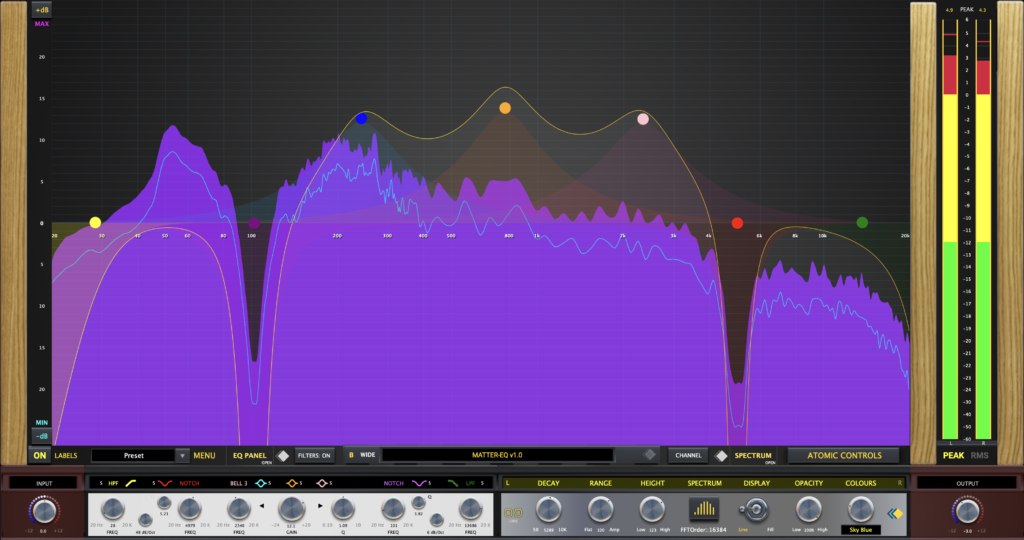
Switch from Base View to our Expanded View Mode!
This is our expandedviewmode, which reorganizes all features into a spacious, grid-based layout—giving you a clearer, more flexible environment for precise EQ work.
In Expanded Mode, the EQ workspace is maximized and hiding traditional panel controls until needed is possible—placing full focus on the highly interactive filter display for streamlined editing.
When needed, quickly access the filter, spectrum, and gain panels to fine-tune your sound using a suite of detailed parameter controls—helping you achieve your EQ goals with precision.
Expanded View Mode with all features on display!
MATTER-EQ isn’t just another EQ plugin—it’s a complete creative environment built for producers, engineers, and sound designers who demand precision and fluid control.
With 7 independently controlled bands, offering a range of filter types and per-band stereo routing, you can sculpt your sound with surgical detail.
The real-time interactive EQ grid makes shaping frequencies intuitive, responsive, and fun. Add to that a dynamic spectrum analyzer with Ultra-High FFT resolution, peak/RMS level metering, and adjustable input/output gain stages, and you’re working with serious DSP power.
But what sets MATTER-EQ apart?
The Expanded View Mode transforms your workflow—clearing the interface to focus on what matters most: your sound. It’s minimal when you need space, and fully equipped when precision matters.
Wrapped in a polished, high-performance UI, whether you’re balancing mixes, designing sounds, or pushing creative boundaries,
MATTER-EQ gives you the tools to make audio magic happen!
Formats: AU & VST3 — Mac Universal Binary Compatibility: macOS 10.13+ — Intel & Apple Silicon